SEGUE: Visual Signal as Exclusive Guidance for One-Shot Transition Effect Generation

1University of Illinois Urbana-Champaign2MacondoLabs
† Joint last authors
PaperarXivsoonCodeModelDatasetsoonResults gallery

Many more generations in the full results gallery →

TL;DR

Show SEGUE a transition effect in one reference clip, and it generates that effect between any two video clips. It reads the effect strictly from the visual reference, with no effect description in the prompt, and one model covers both two-sided transitions and single-sided visual effect transfer.

Click for the full abstract

Abstract

One-Shot Transition Effect Generation (TEG) aims to bridge two video clips using a transition effect provided in a reference clip. However, existing methods learn a text shortcut: they rely heavily on prompts with detailed effect descriptions, and the visual transition signal loses its weight. We present SEGUE, a framework designed to read the transition strictly from the visual demonstration via two key mechanisms: i) Visual reference isolation during training, pairing inputs with effect-free neutral prompts and applying a one-way attention mask that keeps the reference independent of the target; and ii) Null-reference guidance at inference, which defines the unconditional path as a dissolve of the reference endpoints—adding no motion or material of its own—to isolate and amplify the visual transition effect. SEGUE flexibly supports endpoints that are video clips, static images, or absent, unifying two-sided TEG and single-sided visual effect transfer within a single model. We also introduce the SEGUE-Benchmark, a cross-paired dataset of 1,692 transition classes and 56,368 training pairs spanning creative presets, parametric procedural transitions, and visual effects. On held-out effects, SEGUE outperforms baselines adapted to TEG and previous visual effect transfer methods even without a detailed effect description in the prompt, serving as the first open-source framework for one-shot TEG.

Transition effect generation

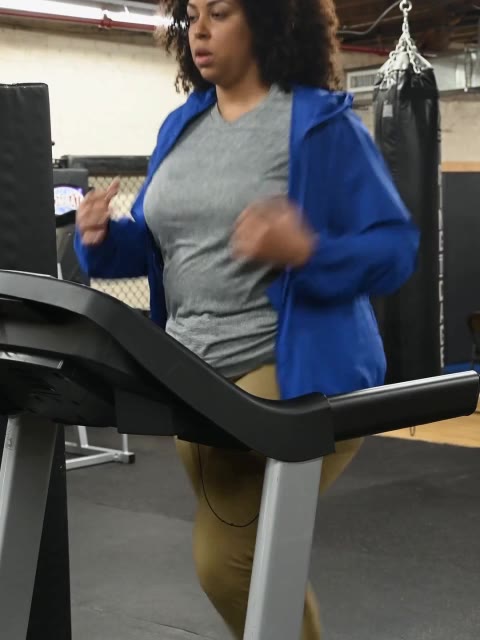
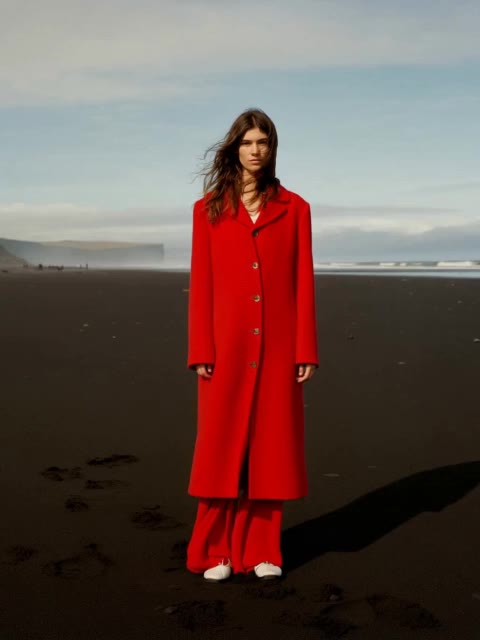
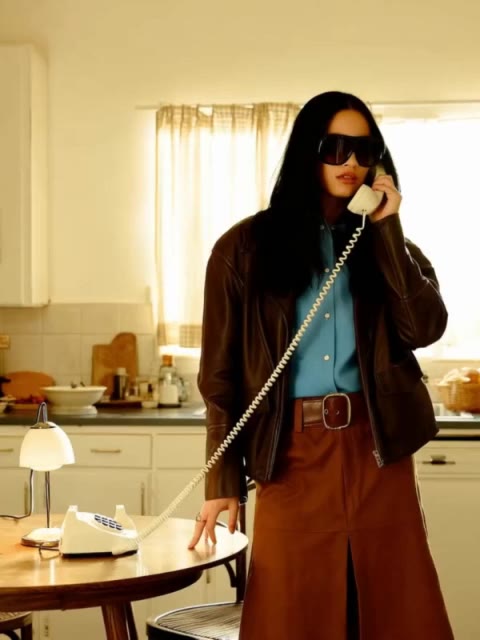
Each reference effect is transferred onto two different endpoint pairs. Grey boxes are the inputs; the blue box is generated by SEGUE.

Results gallery
Shadow smoke
reference
start
end
endpoint
SEGUE
start
end
endpoint
SEGUE
Fire lava
reference
start
end
endpoint
SEGUE
start
end
endpoint
SEGUE
1 / 6

Visual effect transfer

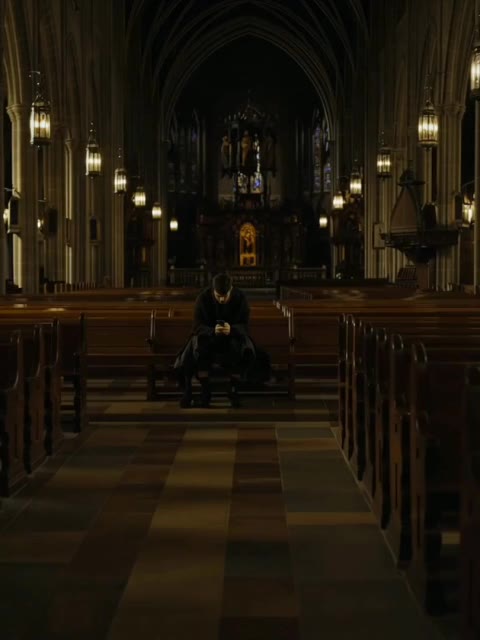
Only the start is given; the reference effect is transferred onto it. Grey boxes are the inputs; the blue box is generated by SEGUE.

Results gallery
Bile aura hands
reference
startstart frame

no endno end given
endpoint
SEGUE
startstart frame

no endno end given
endpoint
SEGUE
Train rush
reference
startstart frame
no endno end given
endpoint
SEGUE
startstart frame

no endno end given
endpoint
SEGUE
1 / 8

Comparison with previous work

Transition effect generation
reference
start
end
endpoints
SEGUE
Base LTX-2
refVFX
reference
start
end
endpoints
SEGUE
Base LTX-2
refVFX
1 / 2
Visual effect transfer
reference
startstart frame
no endno end given
endpoint
SEGUE
VAP
VFXMaster
refVFX
reference
startstart frame

no endno end given
endpoint
SEGUE
VAP
VFXMaster
refVFX
1 / 2

Prior methods receive a text description of the effect in the prompt; SEGUE does not. SEGUE is the blue box.
How SEGUE works

Training: Visual Reference Isolation

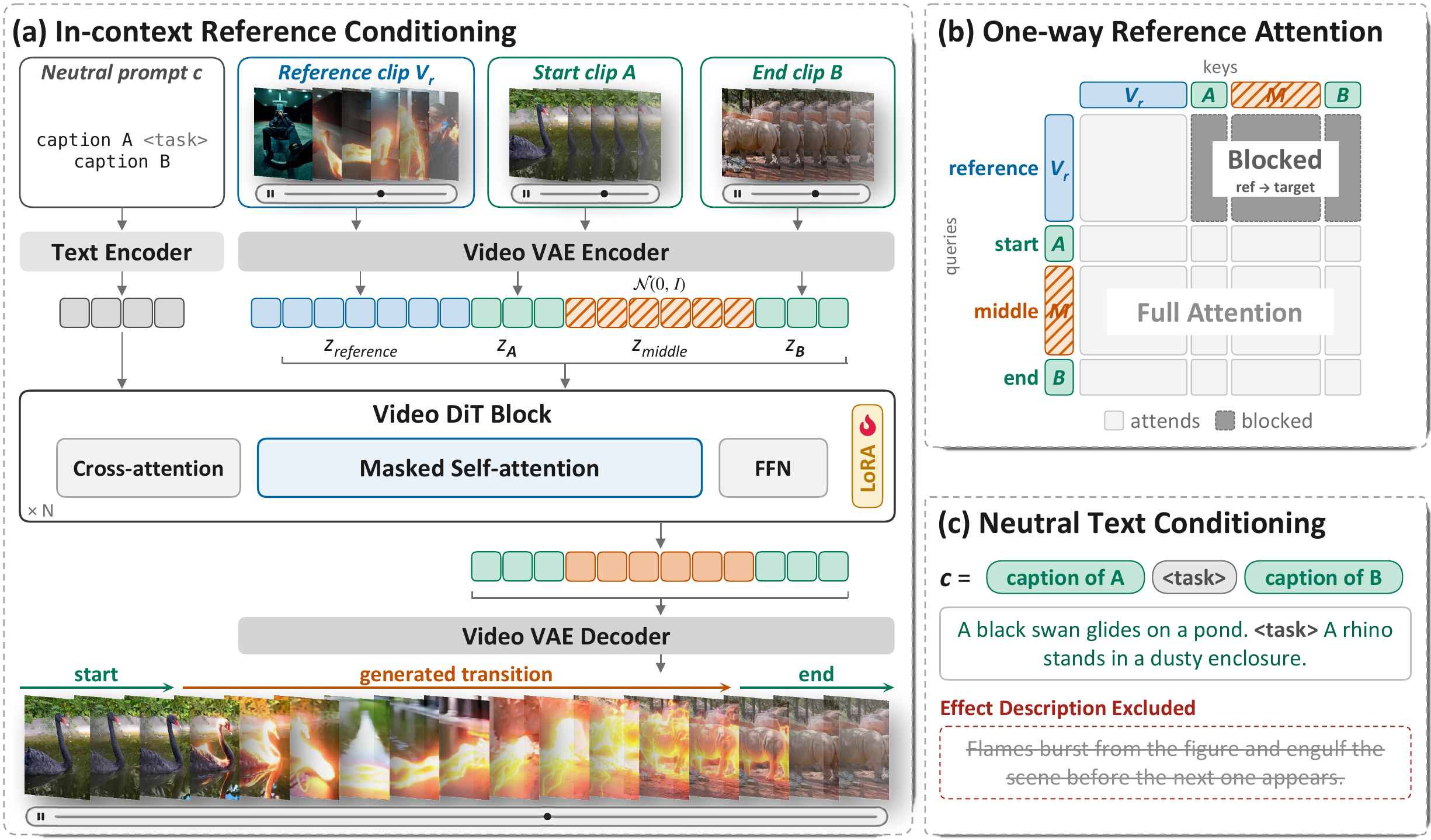
SEGUE training: in-context reference conditioning, one-way reference attention, neutral text

Prior methods pair the reference clip with a prompt that describes the effect in words. But text cannot capture the dynamics of an effect, its exact motion and timing, and once the model is given the description it leans on it and the visual reference loses its weight: remove the description and the effect vanishes. SEGUE therefore isolates the visual reference, so that the effect is read from the reference video and from nothing else, with two rules. Attention is one-way: the target reads the reference, but the reference never reads the target. The representation of the reference therefore depends on the reference video alone, in every layer, and the target cannot change it. The prompt is neutral: it captions the two scenes and says nothing about the effect, so there is no shortcut to take.

Inference: Null-Reference Guidance

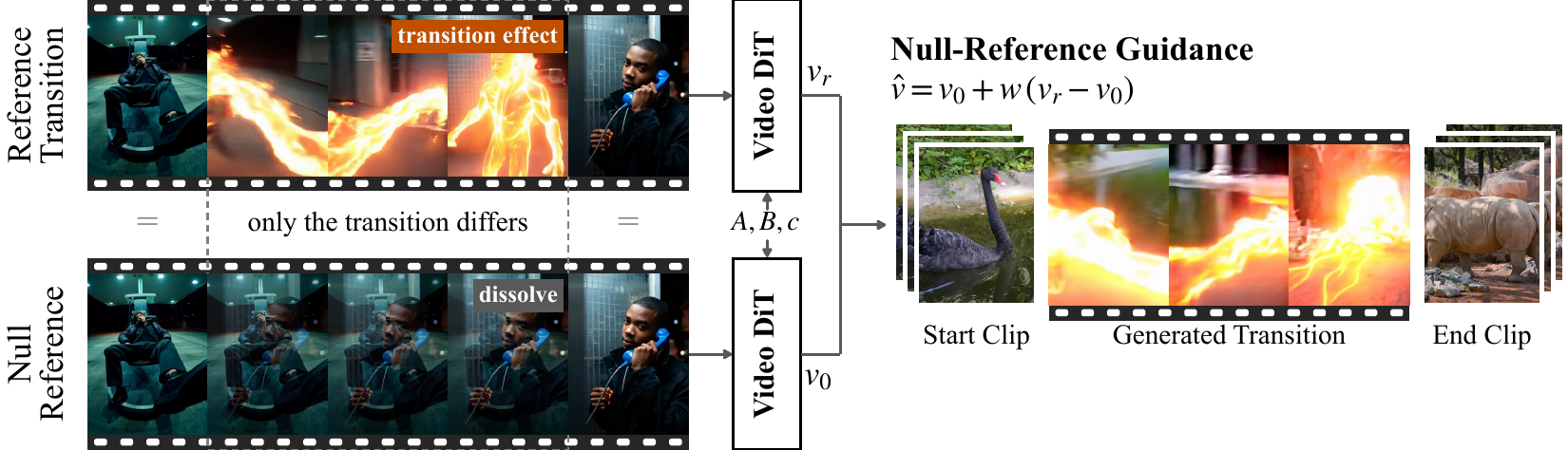
Null-reference guidance: the null reference replaces the transition with a dissolve between the same endpoints; guidance steers away from it

Guidance should steer away from a reference that keeps the scenes of the reference and removes only its transition effect, so that the contrast amplifies the effect and nothing else. A dissolve is exactly that: the null reference is the reference clip with its transition replaced by a dissolve between its own endpoints. At each step the model runs twice, once with the reference and once with the null reference, and the sample is pushed away from the dissolve toward the effect. The weight w sets how strongly; w = 1 is no guidance.

The same reference and start clip generated with increasing guidance strength, from no guidance to w = 6
reference
startstart frame
start
SEGUE w/o NRG
SEGUE (w=1.5)
SEGUE (w=3)
SEGUE (w=6)

Same reference and start clip; the guidance weight increases left to right and the effect intensifies.

BibTeX

@article{kisa2026segue,
  title={SEGUE: Visual Signal as Exclusive Guidance for One-Shot Transition Effect Generation},
  author={Kisa, Emir and Escorcia, Victor and Kim, Junho and Schwing, Alexander and Kara, Ozgur and Rehg, James Matthew},
  journal={arXiv preprint},
  year={2026}
}